
Blogs & insights
Do I Need a CRM for WhatsApp? When You Actually Do
By Habibul Hasan · May 8, 2026 · 8 min read
Short answer: yes, if 3+ teammates handle WhatsApp, you send 200+ messages a day, or you do promotional sends. Exact thresholds, Meta compliance triggers, and when the free Business app still works.
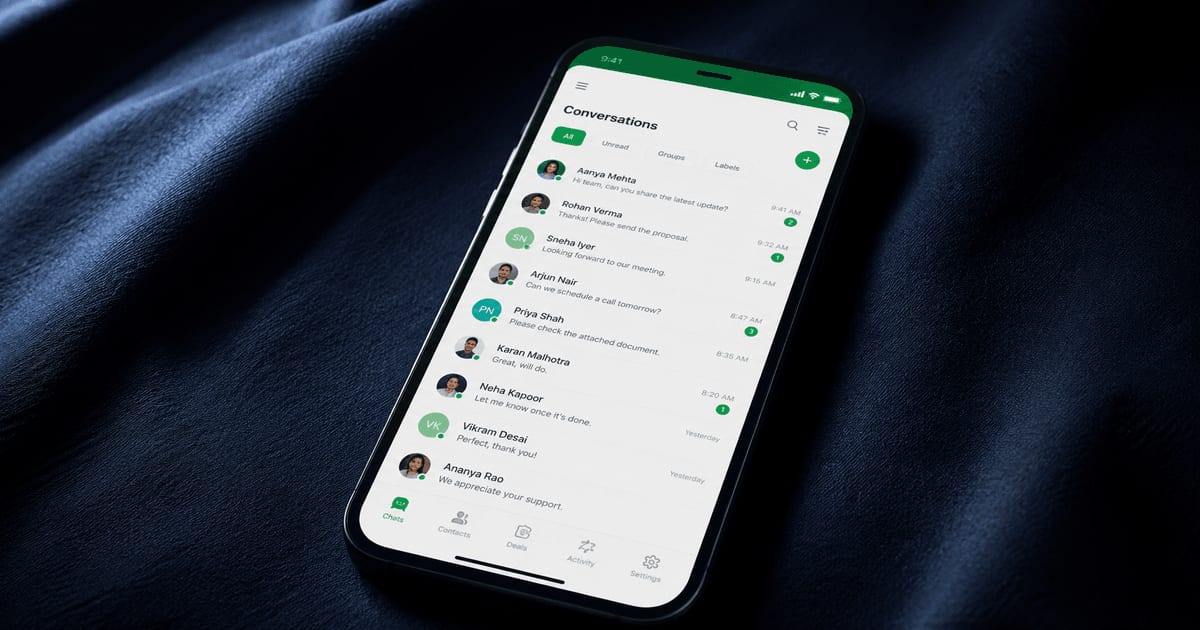
Quick answer: You need a WhatsApp CRM when three or more team members handle customer messages, daily message volume passes 200, or you send promotional messages outside the 24-hour customer service window. The WhatsApp Business app supports only single-operator usage with a four-device limit and lacks the Meta compliance features required at scale.
Short answer — if more than two people on your team handle WhatsApp customer messages, or you send anything promotional in volume, yes. Below is the longer version, with the technical reasons most articles skip.
The WhatsApp Business app has hard ceilings
The official Business app caters to a single operator at low volume. Useful for a freelancer or a small shop. It breaks for anything else, and the breakage is structural, not a feature gap.
A few specific limits worth knowing: maximum four linked companion devices per phone number — your fifth team member cannot log in. No role-based access — every linked person sees every conversation, every contact, every label. No conversation assignment, no internal notes, no audit log of who replied to whom. Broadcast lists work only for customers who have already saved your number — almost never the case in real businesses.
These are not problems a CRM "improves on." They are problems the Business app does not attempt to solve, by design. Meta's intended path for businesses past this stage is the WhatsApp Cloud API, accessed through a CRM.
The compliance layer is where most businesses get hurt
This part rarely shows up in CRM comparisons. It should.
Meta enforces a substantial set of rules on how businesses use WhatsApp. Violation does not produce a warning email. It produces a number ban or a WhatsApp Business Account suspension. Recovery is rare.
The 24-hour customer service window
The most consequential rule. When a customer messages you, a 24-hour reply window opens. Inside it, you can send any content — text, images, video, buttons. After 24 hours of customer silence, the window closes. From that point you can only send pre-approved template messages. Free-form text fails silently with error code 131047. The Business app does not warn you. It looks like the message went through. The customer never receives it.
Template approval
A template is a message Meta has reviewed and approved. Approval takes minutes to days. Templates get rejected for vague language, marketing content in a utility category, missing variables, or formatting issues. Templates fall into four categories — Marketing, Utility, Authentication, Service — each with different pricing and rules. Mixing categories is a fast path to rejection or, worse, account-level enforcement.
Opt-in and consent
Every customer must explicitly opt in through a separate channel — web form, in-store sign-up, prior interaction — before you can message them. You must keep proof. If a customer reports your number for spam and you cannot produce opt-in records, your account is at risk.
Phone number quality rating
Meta tracks every business number's behavior — block rate, spam reports, customer engagement — and assigns a Green, Yellow, or Red rating. A Red rating drops your messaging limit from 100,000 conversations per day down to 1,000, then 250. Manual broadcasting almost always damages quality rating because there is no throttling, no opt-out filtering, no segmentation.
Webhook signature verification
When Meta sends inbound messages to your endpoint, every request carries an HMAC-SHA256 signature in the X-Hub-Signature-256 header, computed over the raw request body using your app secret. If you skip verifying it, anyone who learns your webhook URL can spoof inbound messages — manipulate conversations, trigger automation, fake customer responses. Most ad-hoc integrations skip this. A production CRM does not.
Data residency and deletion
WhatsApp messages are personal data under GDPR, CCPA, and similar laws. Encryption at rest, audit logs, and verified deletion on request are non-negotiable obligations. They sit with you regardless of which tool you use.
A platform like WhatsMonk handles these as built-in infrastructure — encrypted access tokens (AES-256-GCM), per-business data isolation, signed webhook verification on every request, opt-in audit trails, template lifecycle management, quality-rating monitoring. The point is not the feature list. The point is that running these correctly takes a small team several months. Most businesses cannot, and should not, build them.
The team problem
Past three people answering messages, the Business app collapses.
Two people reply to the same customer because neither can see the other's response. Your former employee still has access until you reset the entire account. There is no way to route a payment question to billing and a complaint to support. Manager has no visibility — response times, who handled what, where customers waited too long.
A CRM provides conversation assignment, internal notes, role-based permissions, audit logs, and shared canned responses. These are not luxuries for a team. They are what makes a team function.
The scale problem
A different set of failures appears as volume rises.
A few hundred conversations per month — chat list becomes unsearchable. No filter for "unanswered conversations last week." No way to find customers who bought product X.
A few thousand messages per month — app slowness, web client disconnects, missed notifications buried under noise.
A few hundred broadcasts per day — quality rating starts dropping. Limits cut. The next campaign reaches a fraction of the audience.
A few thousand contacts — manual list management is impossible. You cannot send a re-engagement campaign to customers who haven't ordered in 60 days. The data is locked inside chat threads, not in a database.
A CRM moves contact data into a structured store where segmentation is a query, not a manual scroll. Broadcasts respect opt-out lists, throttle to protect quality rating, retry failed sends. Templates are managed centrally, version-controlled, synced with Meta.
When the switch becomes necessary
The decision is rarely about features. It is about exposure.
If any of these are true, the Business app has run out of room: three or more people on your team need WhatsApp access; daily message volume above ~200 in or out; you send promotional or transactional messages outside the 24-hour window; you are accountable for missed or delayed customer replies; a Meta policy enforcement against your account would be material.
Most operations hit at least one of these within the first twelve months of using WhatsApp for customer communication. The cost of staying past that point is not measured in efficiency. It is measured in the probability that the channel gets taken away.
The WhatsApp Business app is not a smaller version of a WhatsApp CRM. It is a different category of tool. Treating one as the other is the most common reason small businesses lose their WhatsApp presence.
Frequently asked questions
Is the WhatsApp Business app the same as a WhatsApp CRM?
No. The WhatsApp Business app is a single-operator messaging tool with a four-device limit and no role-based access. A WhatsApp CRM is a multi-user platform built on the WhatsApp Cloud API with team management, automation, broadcast, and Meta compliance features.
When do I actually need a WhatsApp CRM?
When three or more people on your team handle WhatsApp customer messages, daily message volume exceeds 200, you send promotional messages to customers outside the 24-hour window, or you need audit trails for compliance with regulations like GDPR.
Will WhatsApp ban my account if I use a CRM?
No, if the CRM uses the official WhatsApp Cloud API. Bans typically happen with unofficial automation tools that scrape WhatsApp Web. Cloud API-based CRMs are sanctioned by Meta and operate within the platform's policies.
How much does a WhatsApp CRM cost?
Pricing varies by provider but typically ranges from free starter tiers to $50-200 per month for small teams. WhatsApp itself charges per conversation in four categories: Marketing, Utility, Authentication, and Service. Costs depend on conversation volume and country.
Can I use a WhatsApp CRM with my personal WhatsApp number?
No. WhatsApp CRMs require a number registered with the WhatsApp Business API, which is separate from personal WhatsApp accounts. Once a number is registered with the API, it cannot be used with the consumer WhatsApp app.